
How to Manage Internal Notifications
StackWrap's Internal Notifications feature allows you to keep your team informed with timely updates, reminders, and action items directly within the platform. This ensures that important information is centralized and easily accessible, enhancing team communication and productivity.
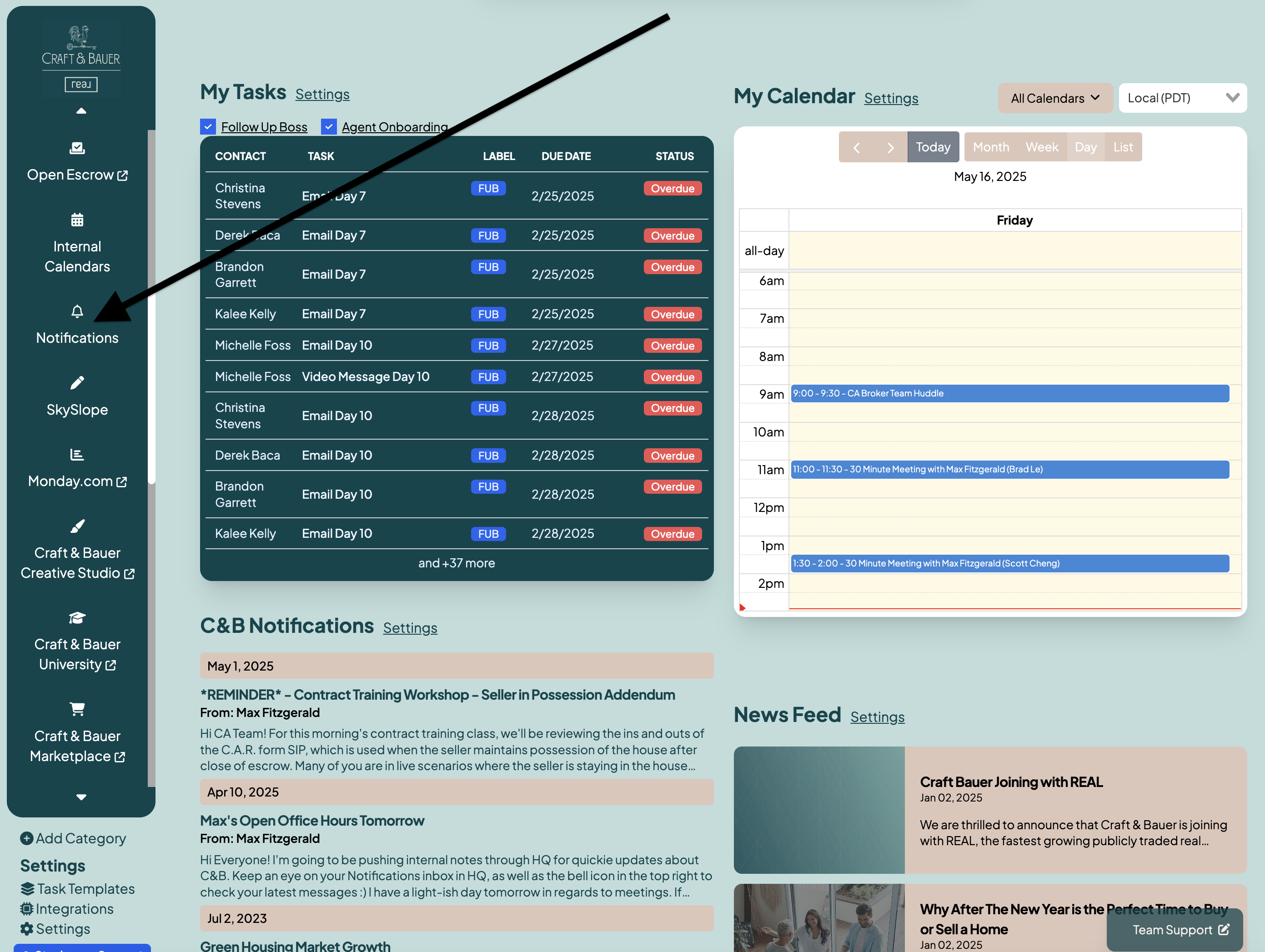
As a first step, make sure the Notifications Widget is visible on your Homepage Dashboard. To add it, click "Edit Mode" on, and then select the Notifications Widget. You can then drag, drop, and resize your widget where you'd like it to be.
~ Pro tip from Max ~ it's a good idea to have this Notifications Widget in a high visibility area of your Homepage Dashboard. This widget is your agent's inbox, and you want them to have clear visibility into any internal notifications that are being pushed to them. Personally, I have the Notifications Widget towards the top of my Homepage Dashboard.
1. Access Notifications
- Click on the Notifications Category from within your Tool Stack
2. Create a New Notification
-
Click the + Add New button.
Fill in the following details:
- Recipients:
- Select "Send to All" to send the Notification to all users. Alternatively, select specific users or groups who should receive the notification.
- You also have the ability to send the Notification as both an internal notification, as well as an email that is pushed to your users. To send an email, select "Send Email"
- Subject:
- A concise heading for the notification.
- Message:
- The content of the notification.
- Recipients:
- Click Send to send the notification.
3. Manage Existing Notifications
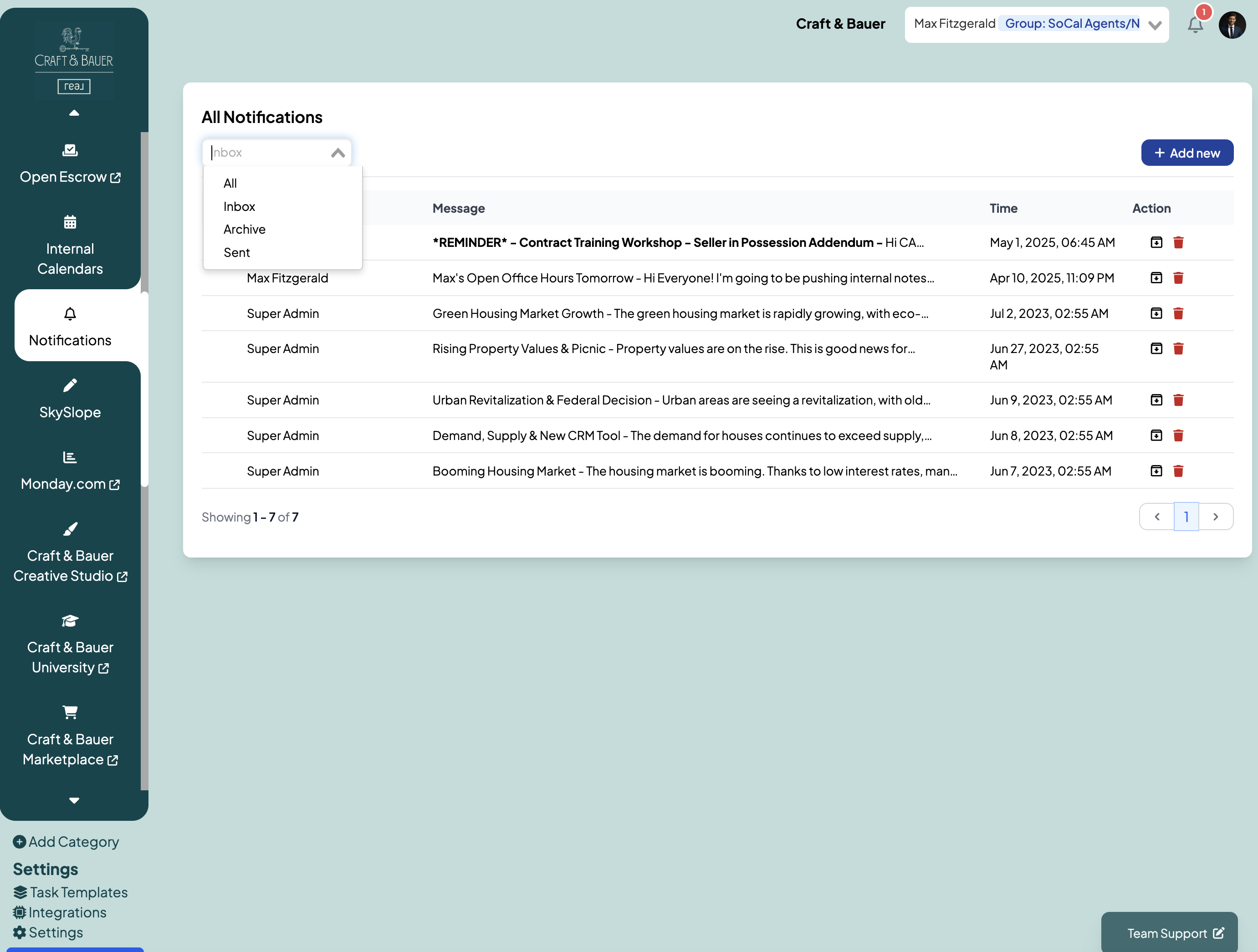
- View a list of all sent notifications in the Notifications panel.
- Use the Edit icon to modify a notification's content or recipients.
- Use the Delete icon to remove outdated or unnecessary notifications.
Tips:
- Use clear and actionable language in your notifications to ensure recipients understand the message.
- Regularly review and update notification settings to align with your team's evolving needs.
- Leverage group-based notifications to streamline communication with specific departments or teams.