
How to Manage the "Search for Anything" Search Bar
The “Search for Anything” bar is a powerful tool that helps users quickly find tools, resources, users, categories, and items across your StackWrap environment. Admins can configure what appears in the results and optimize it for faster access to key content.
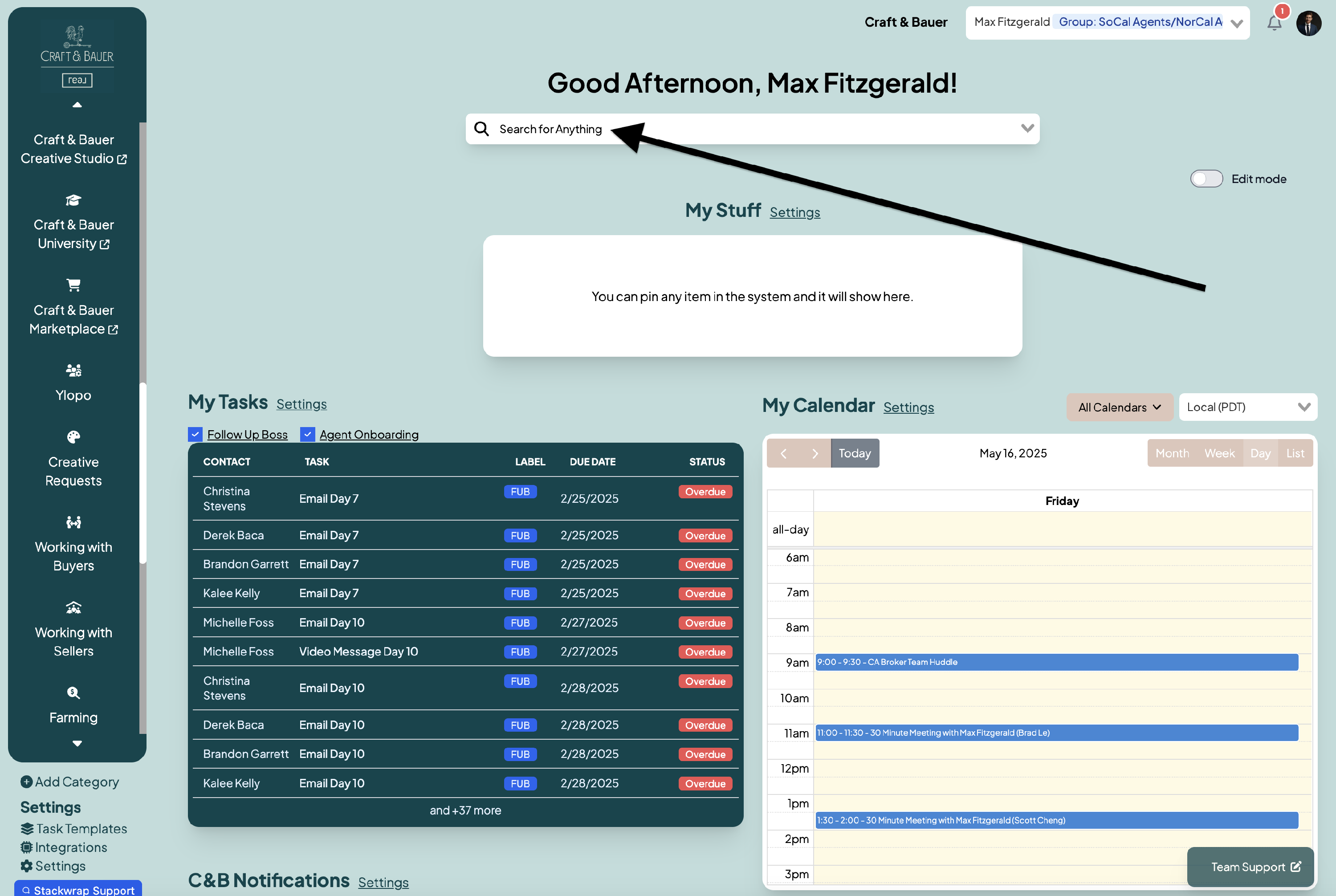
1. Understand What Can Be Searched
The search bar indexes the following content:
- Categories
- Items
- Users
- Shared Documents/Resources
- Pinned Shortcuts (if enabled)
By managing the “Search for Anything” bar thoughtfully, you ensure that users can quickly access what they need—reducing confusion and improving efficiency across your organization.